
One Club. One Look. Every Matchday.
Your club colors. Your own look. Matchday, lineup and result graphics that belong together – without building a new design every week.
Included in the Free plan: 1 Club Style Set with the Impact style. No credit card needed.
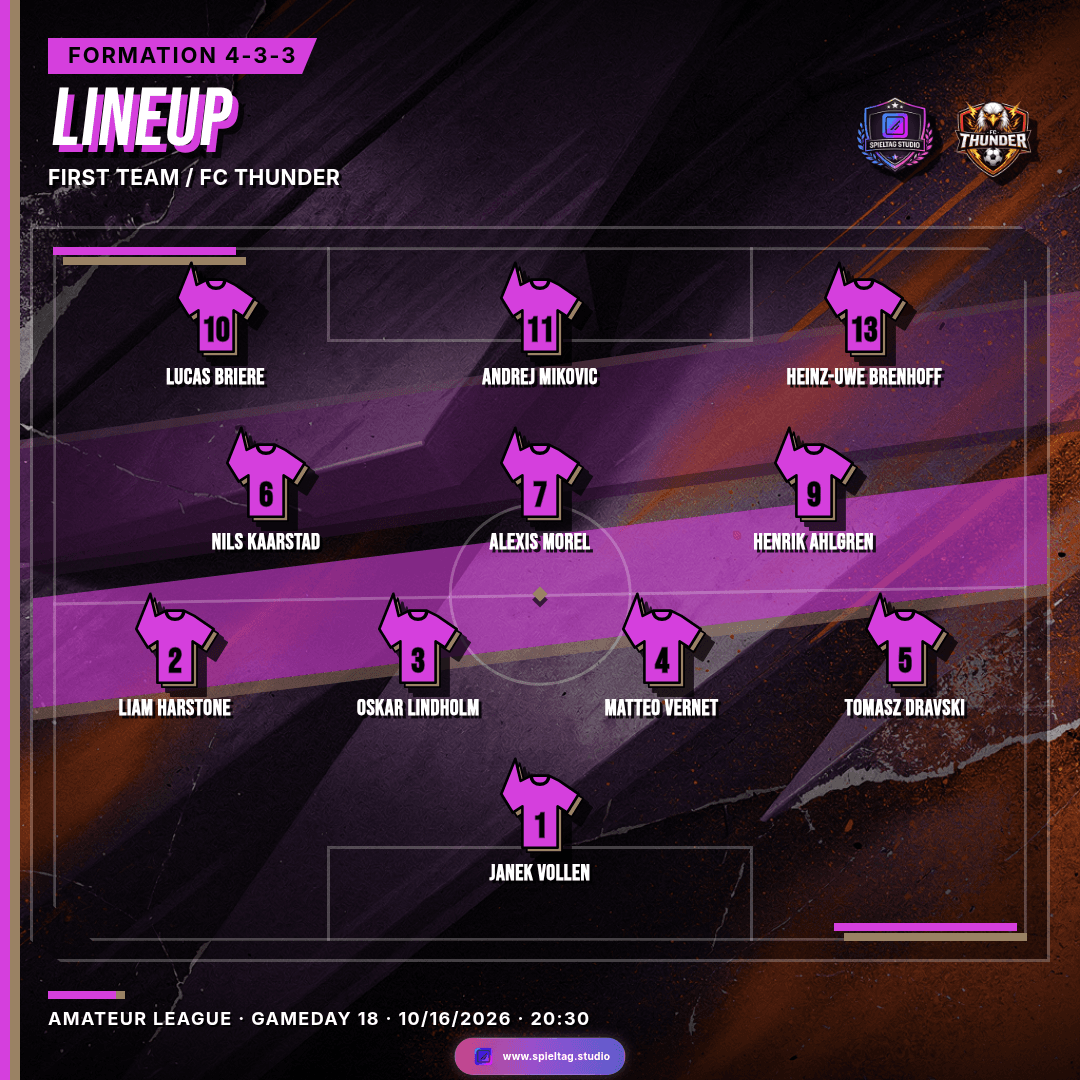
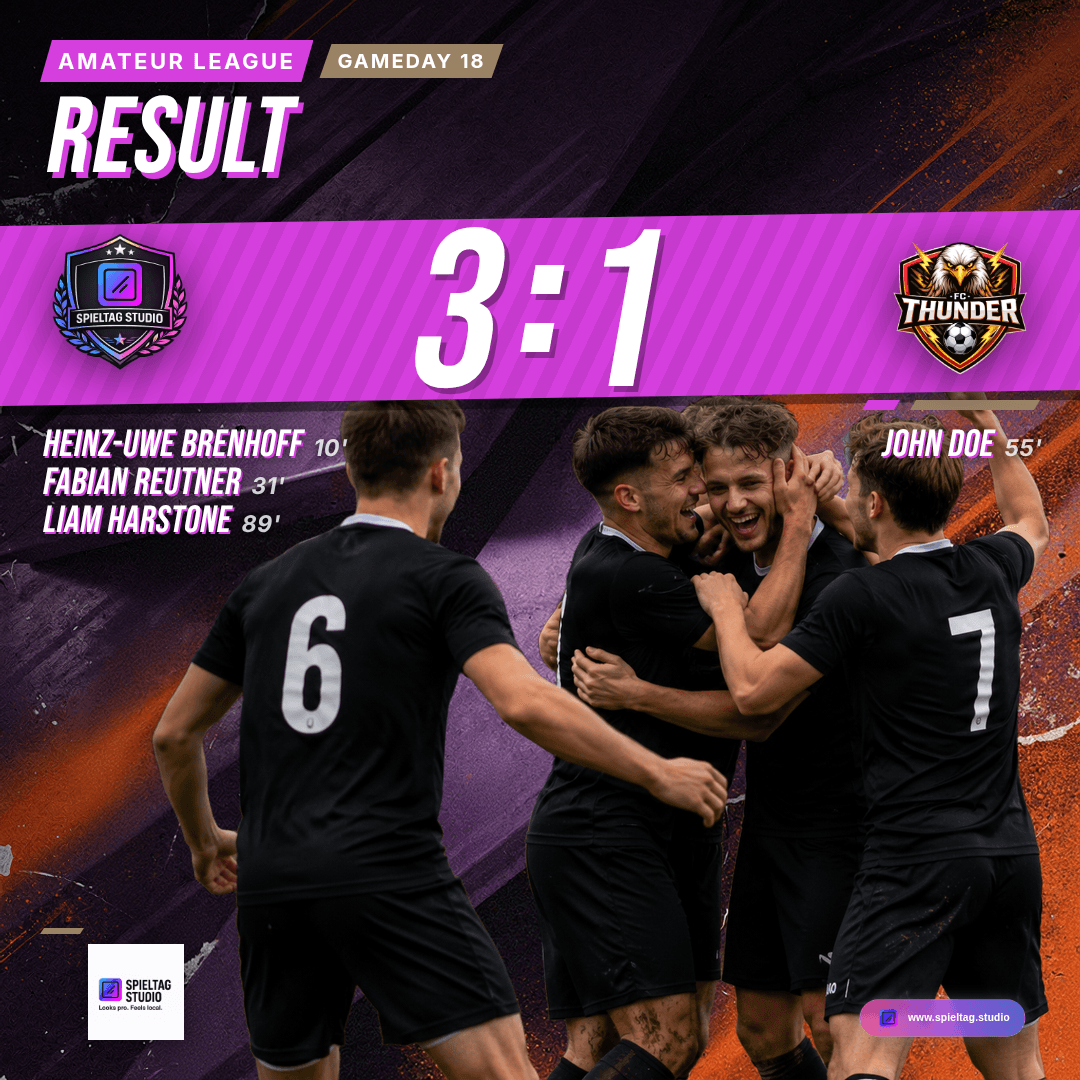
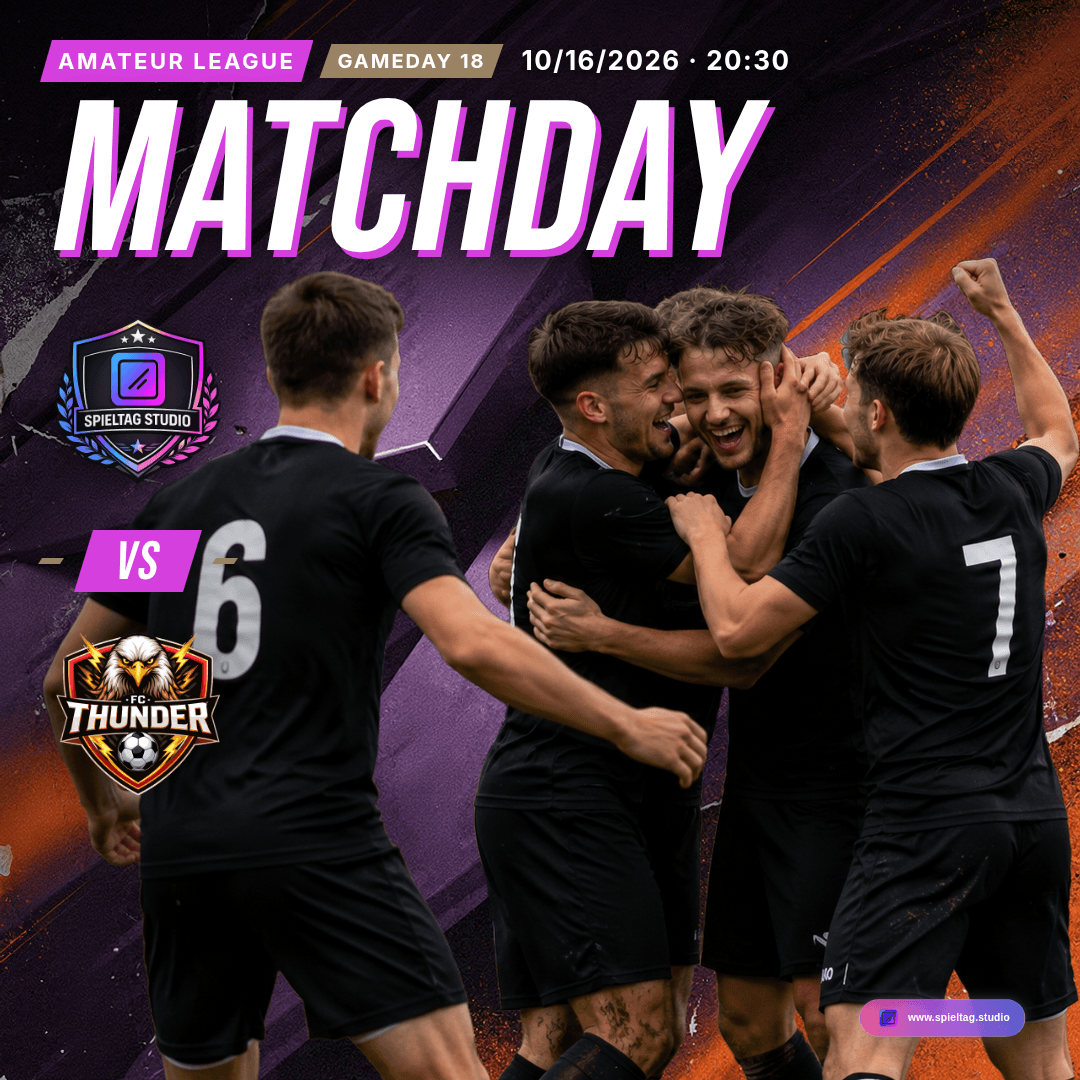
Matchday → Lineup → Result → MOTM
One match. One look. Four graphics.
Four real exports from Spieltag.Studio: the demo club against FC Thunder, one Club Style Set, one style. Four different posts – and you can still tell at a glance that they belong together.
1Matchday · Fixture announcementBefore the match 2Lineup · Starting XIJust before kick-off 3Result · Final scoreAfter the final whistle 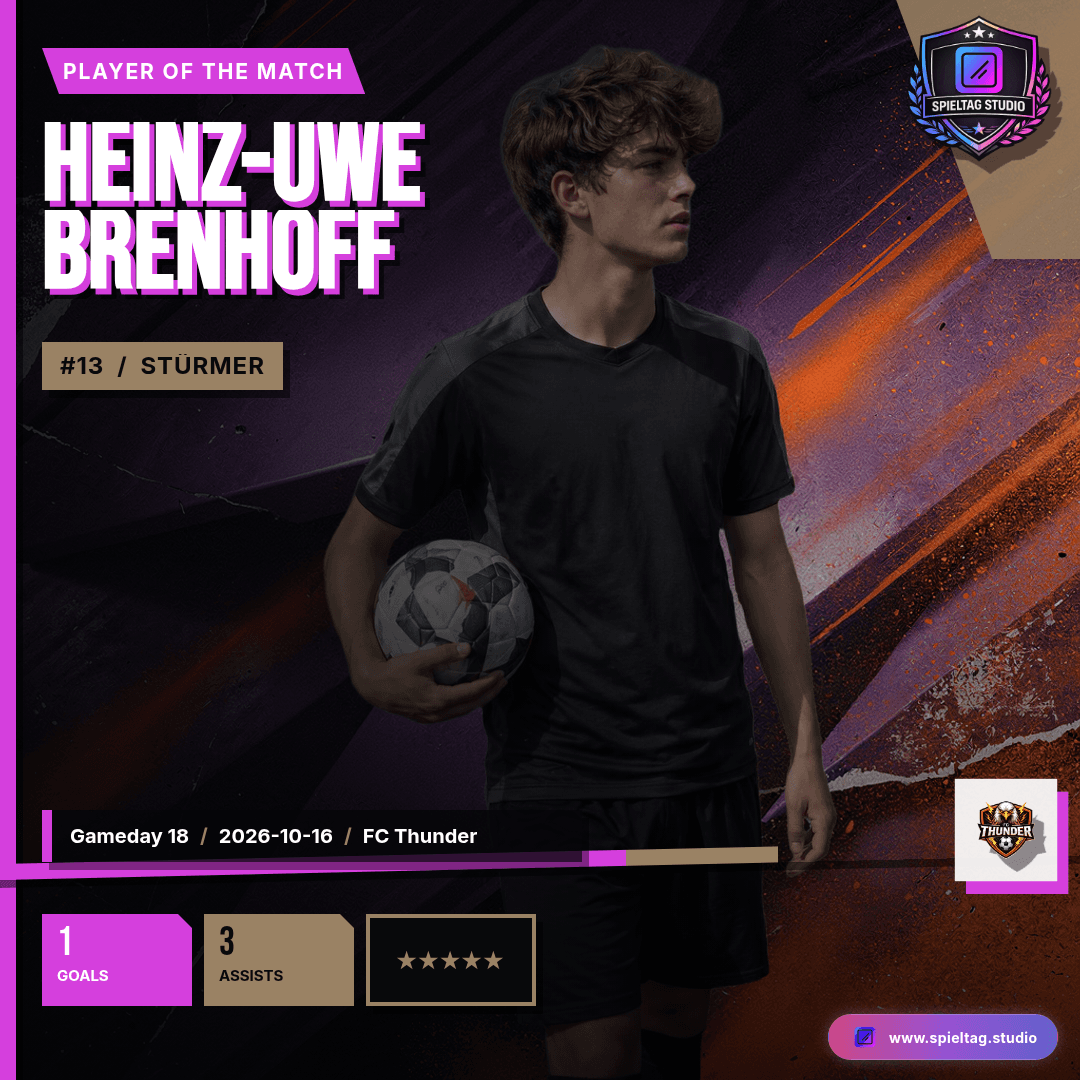
4MOTM · Man of the MatchAfter the match
Swipe for the next graphic
Club Style is also available for Player Intro and Match overview – depending on your plan.
Four styles
Your colors. Your direction.
A Club Style Set holds up to four styles. All four examples show the same fixture announcement – only the style changes.
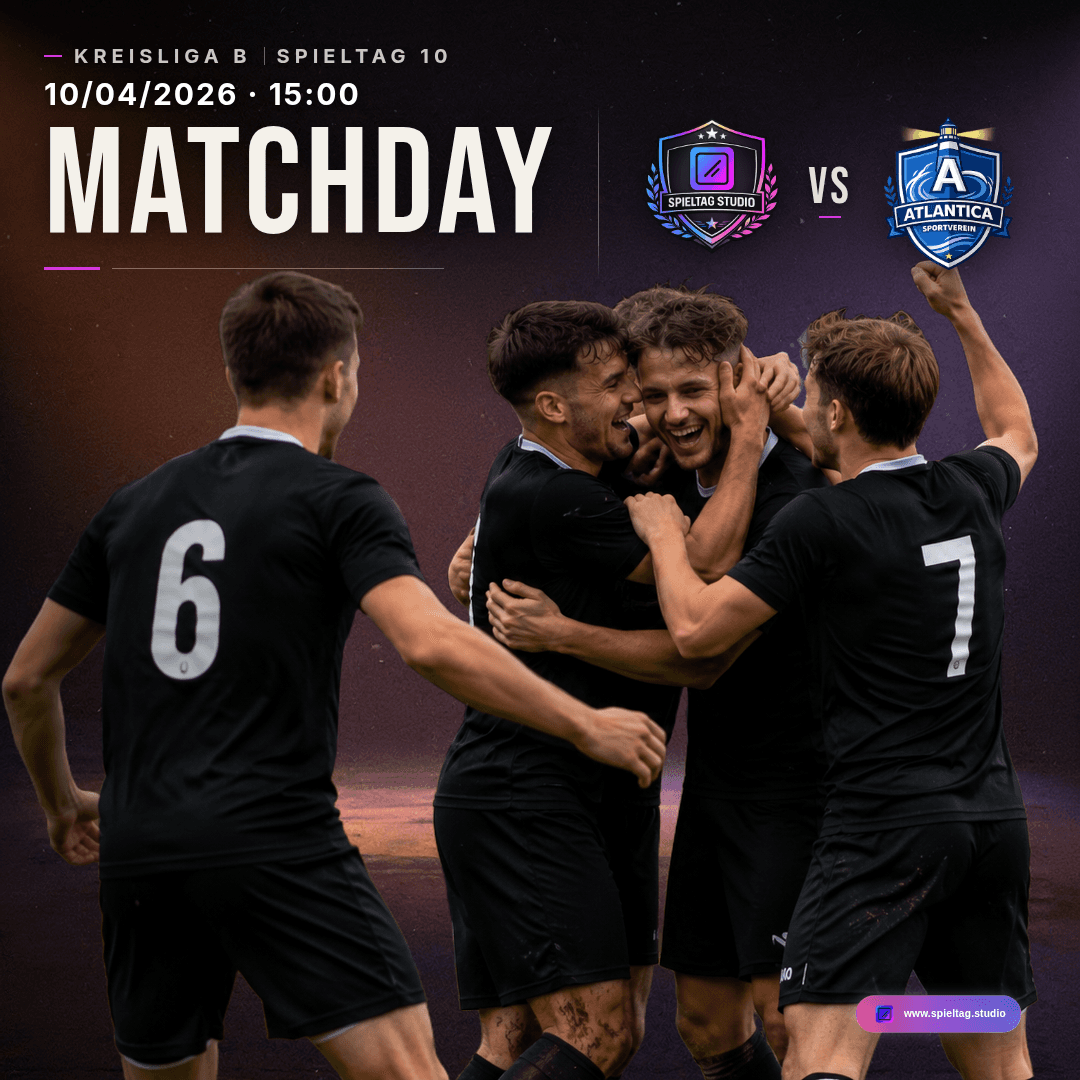
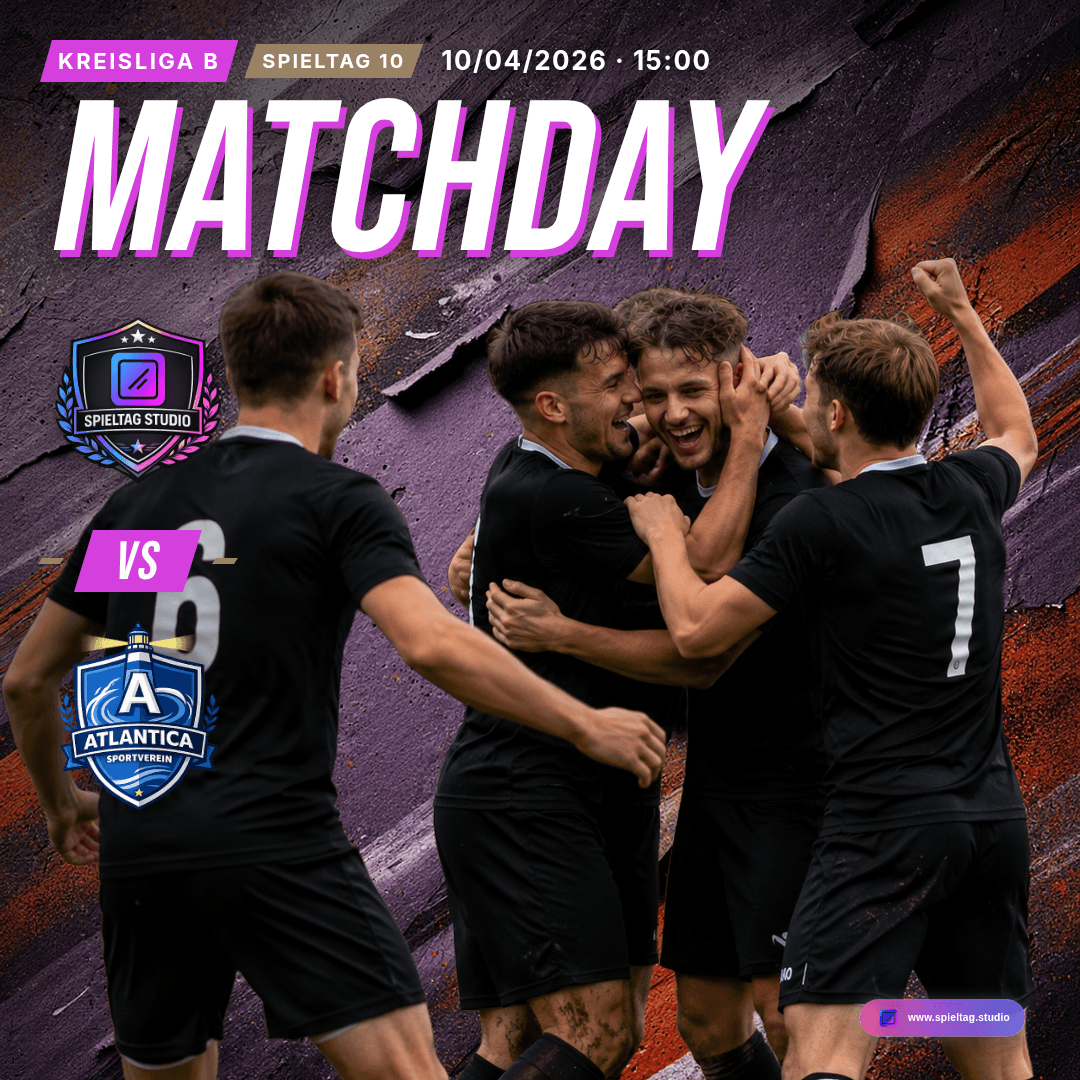
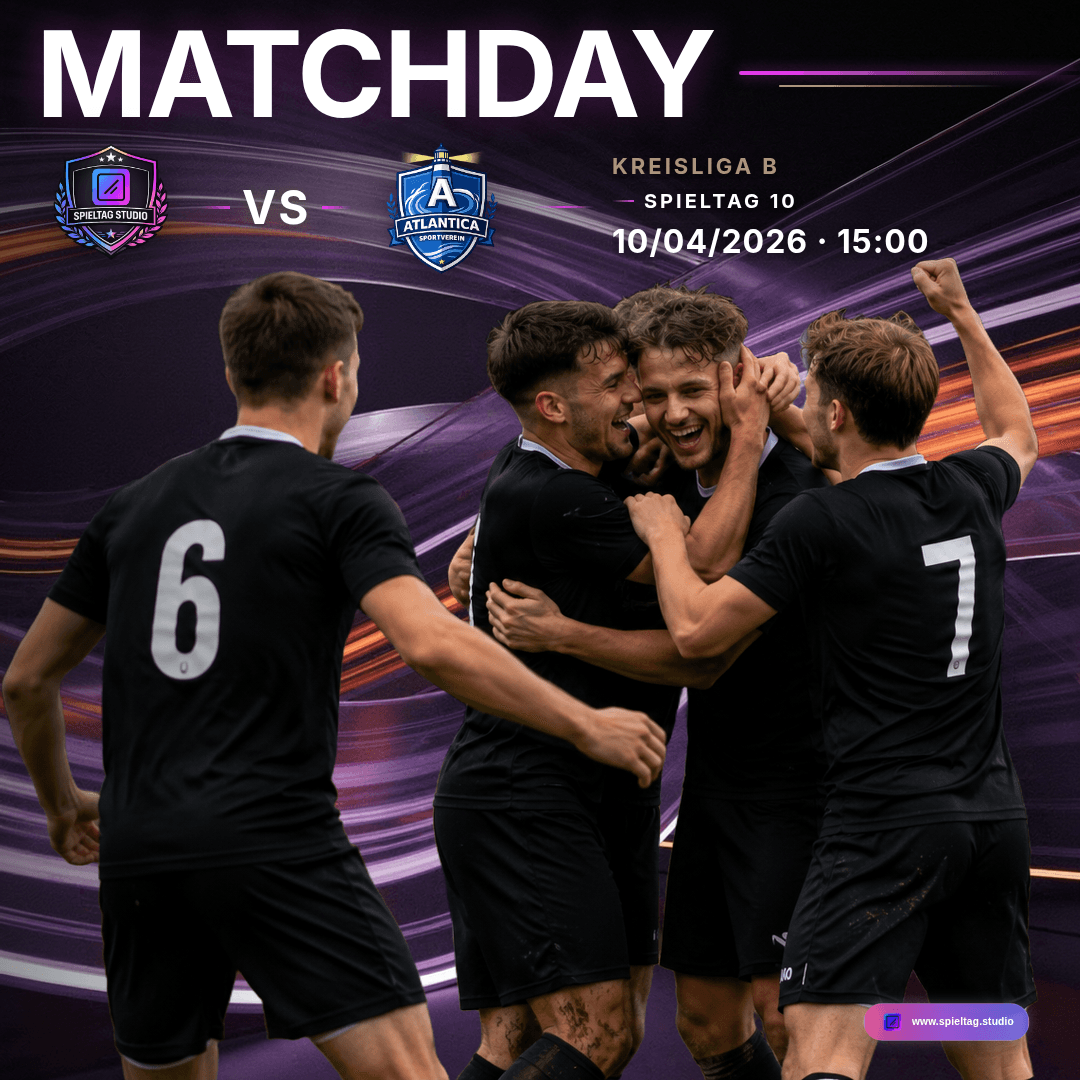
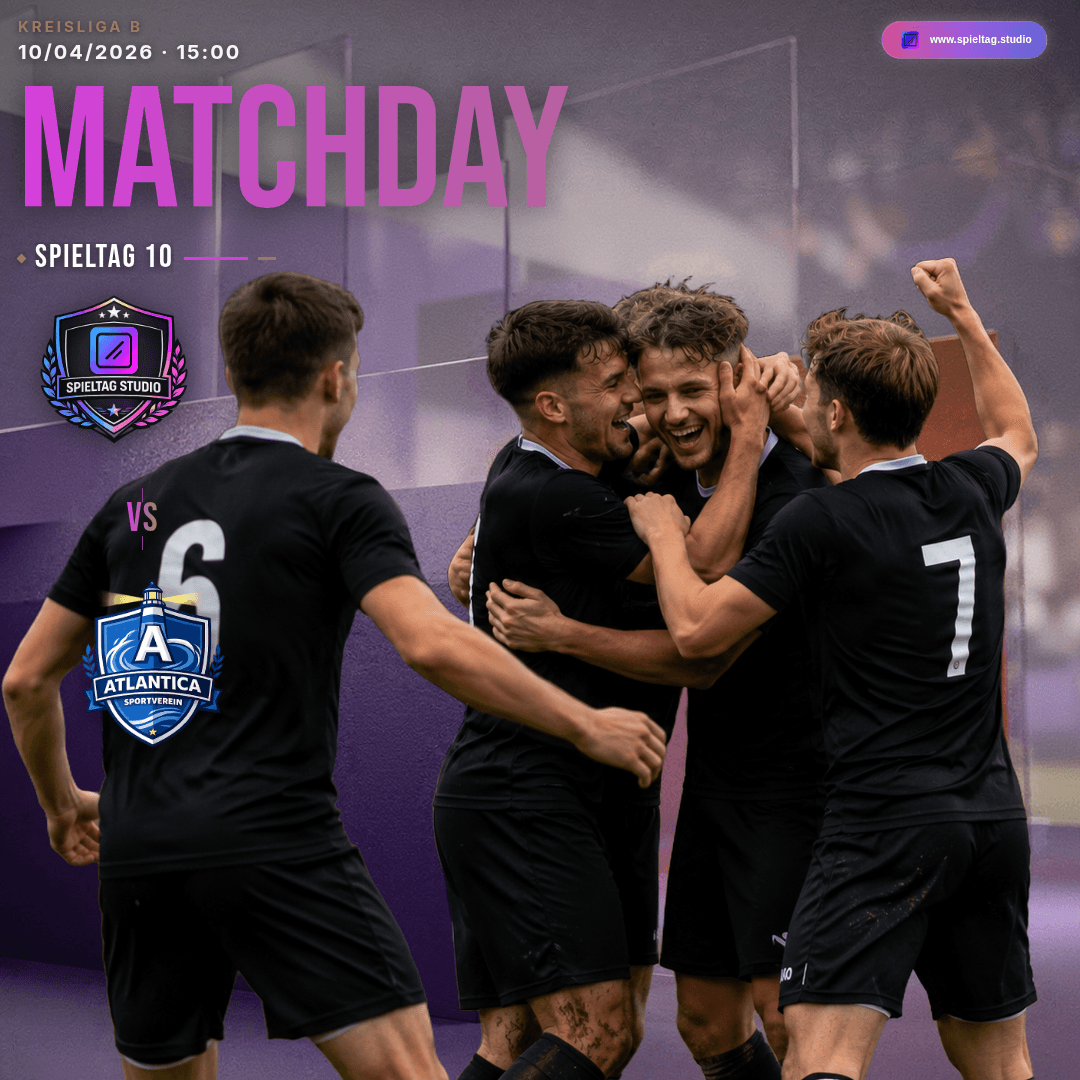
Two good options
Template or Club Style?
Both sit side by side in the editor – and your match details stay in place when you switch.
Templates
Pick an existing design and personalize it with your club colors, crests and match details.
A good fit when one particular design is exactly right – or for graphic types that aren't available in Club Style.
Club Style
Create a design world for your club from your club colors and your chosen style, then reuse it across several graphics.
A good fit when every post of your match week should look like it belongs together.
Club Style is not a free-form design editor: the layout of each graphic type is fixed so crests, lettering and match details always look right. Your crest, details and photos are placed cleanly on top of the design world.
How Club Style works
Set it up once. Use it every week.
- 1
Set up your club
Upload your club crest and set your two club colors in the club profile. Club Style builds on them.
- 2
Create your Club Style
Open the “Club Style” card in your club profile, create your first Set and choose an available style. The design world is generated and saved for your club.
- 3
Create a graphic
Open Matchday or another available graphic type and choose “My Club Style” in the design picker. Pick 1:1, 4:5 or 9:16, check the preview and export.
- 4
Reuse it
Lineup and Result for the same match build on your Matchday. Every further graphic uses the same saved look – no new design needed.
Tip: under Graphic defaults in your club profile you can make Club Style the starting design for new matchday, lineup and result graphics. Club admins can create and change Club Style Sets.
Scope and plans
Six graphic types. Free to start.
Club Style is available for
- MatchdayFrom Free
- ResultFrom Pro
- Man of the MatchFrom Pro
- Player IntroFrom Pro
- Match overviewFrom Pro
- LineupFrom Premium
A Club Style Set does not unlock graphic types: which graphics you can create depends on your plan. On the Free plan you can try Result and Lineup once each for free.
Free
1 Club Style Set with the Impact style
Enough to post your fixture announcements in your own club look right away.
Paid plans
All four styles, plus monthly regenerations to create a style again.
- Pro1 Set · 5 regenerations/month
- Premium2 Sets · 7 regenerations/month
- Premium Plus3 Sets · 10 regenerations/month
Frequently asked questions about Club Style
Looks pro. Feels local.
Give your club a look people recognize
Get started for freeNo credit card · GDPR compliant · Made in Germany · Made for clubs