
One club look for the whole match week: Matchday, Lineup, Result and Man of the Match with Club Style
Thursday evening the fixture announcement goes out. Saturday at one o'clock the lineup follows, the result after the final whistle and the Man of the Match on Sunday. Four posts for a single match – and at many clubs a different person makes them every week, with a different template, in a different colour.
Each post looks fine on its own. Side by side in the profile, though, you cannot tell they come from the same club. That is exactly what Club Style is for: a look created for your club that carries through the whole match week.
Why Club Style is not just another template
The classic Templates in Spieltag.Studio are finished designs. You pick one and it takes on your club colours, your crest and the match data. That is fast, reliable and remains the most direct way to a good graphic. So these templates are personalised, too.
Club Style starts one level deeper. Instead of recolouring an existing layout, it creates a design world for your club from your club colours and a chosen direction: a background made of light, surfaces and texture that contains neither players nor text. This design world is stored for your club and is then shared by Matchday, Lineup, Result, Man of the Match, Player Intro and Match overview. Each graphic type lays its own content on top – crests, names, numbers, photos – but the frame stays the same.
The difference in one sentence: with a template you adapt a design to your club. With Club Style the design belongs to your club from the start.
To be honest about it: two clubs with very similar colours and the same direction can end up looking alike. Your Set is still your own stored version – not a background anyone picks from a list.
Four graphics, one club, one look
This is what a complete match week looks like in Club Style: the Spieltag.Studio demo club against FC Thunder. All four graphics come from the same Club Style Set and the same direction – as square 1:1 posts for the feed, exactly as Spieltag.Studio exported them. They are four different posts, not four style variants – and four examples, not the full scope: Club Style is also available for Player Intro and Match overview.
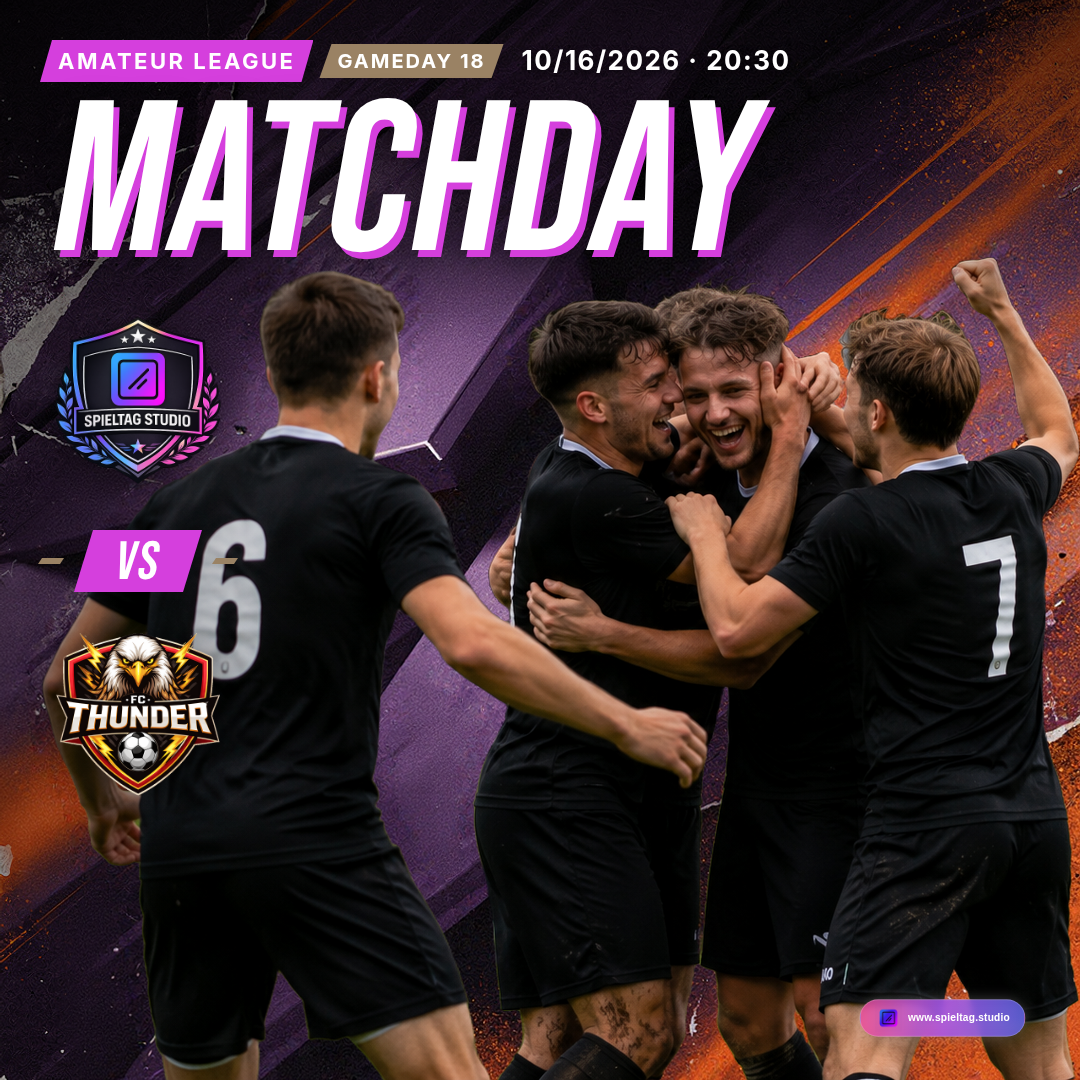
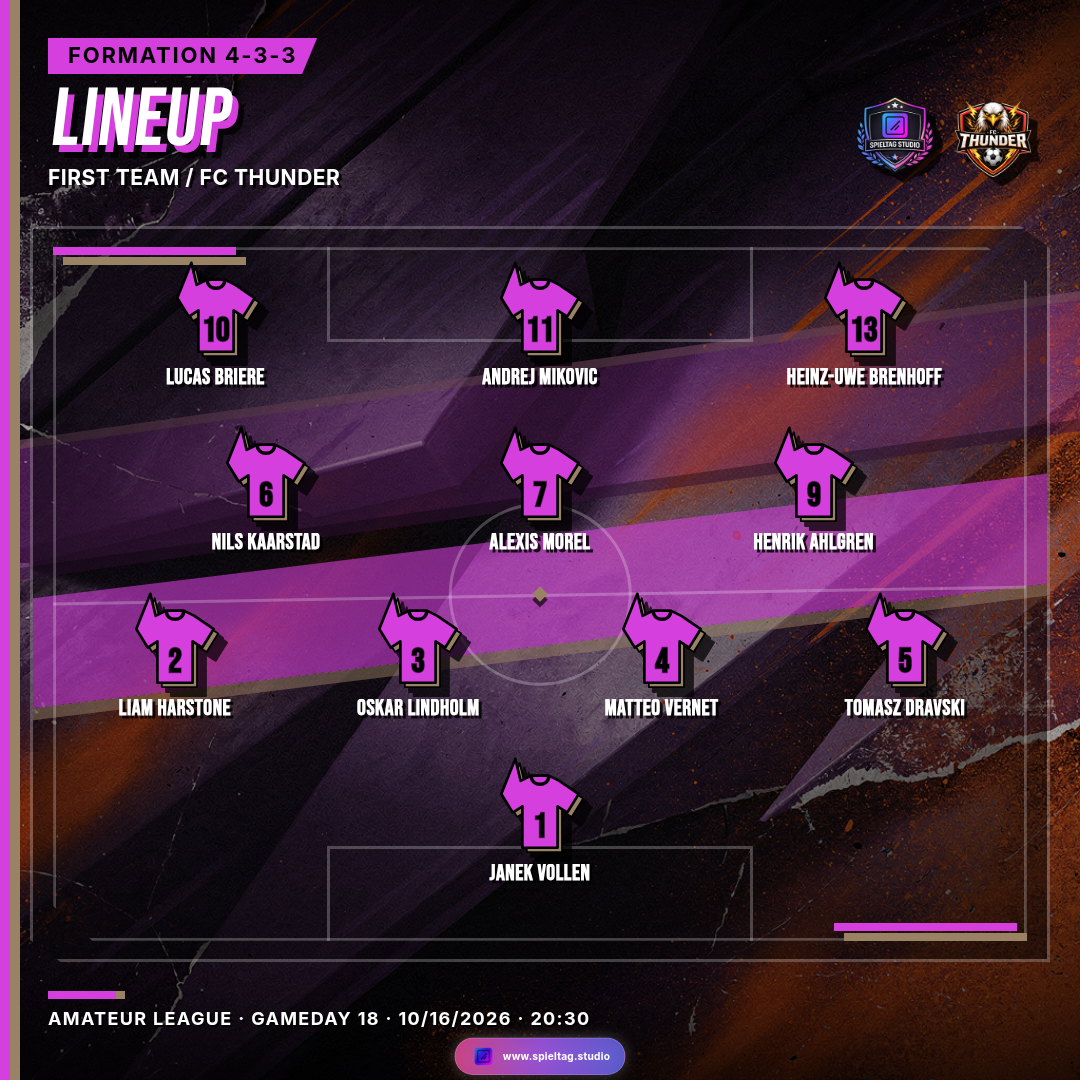
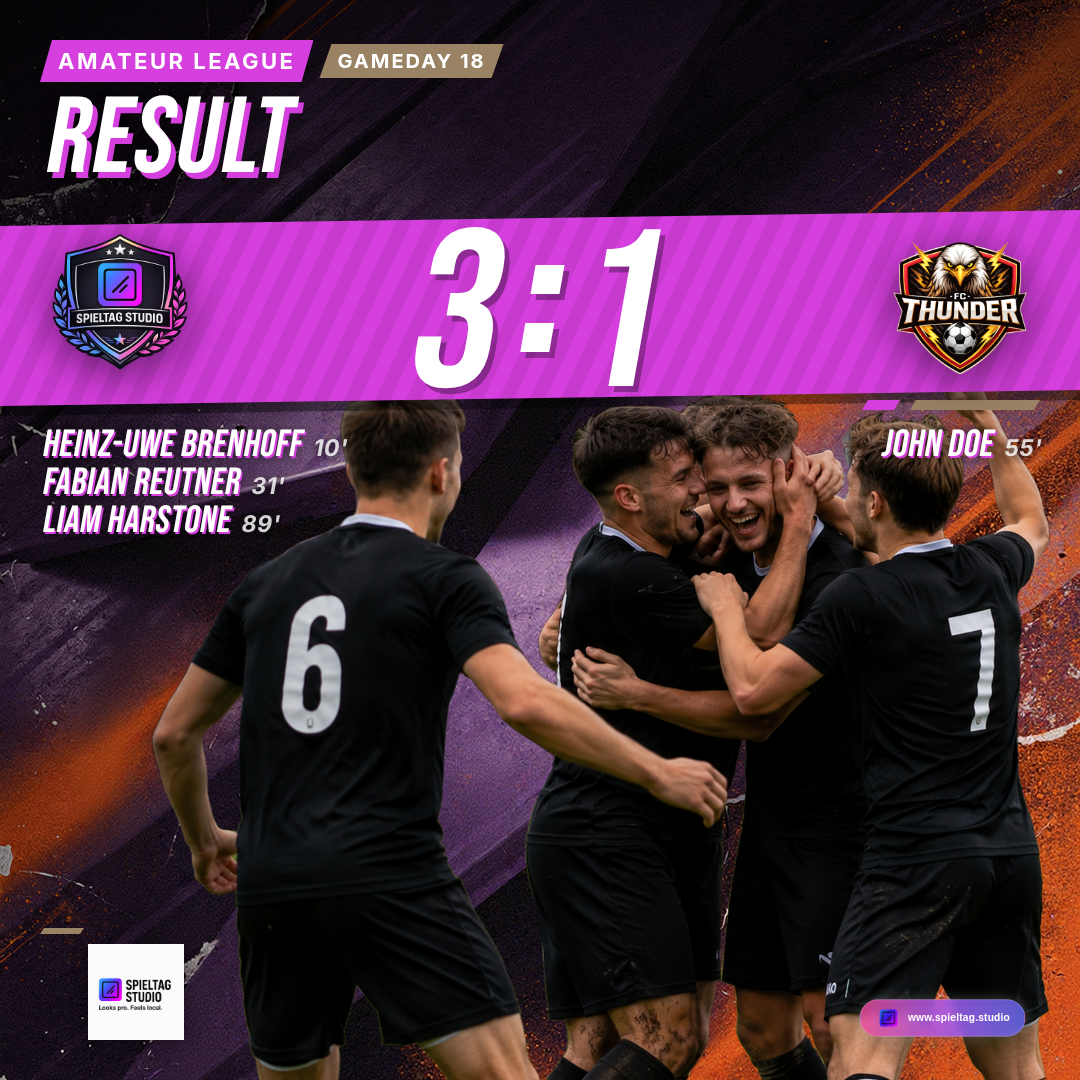
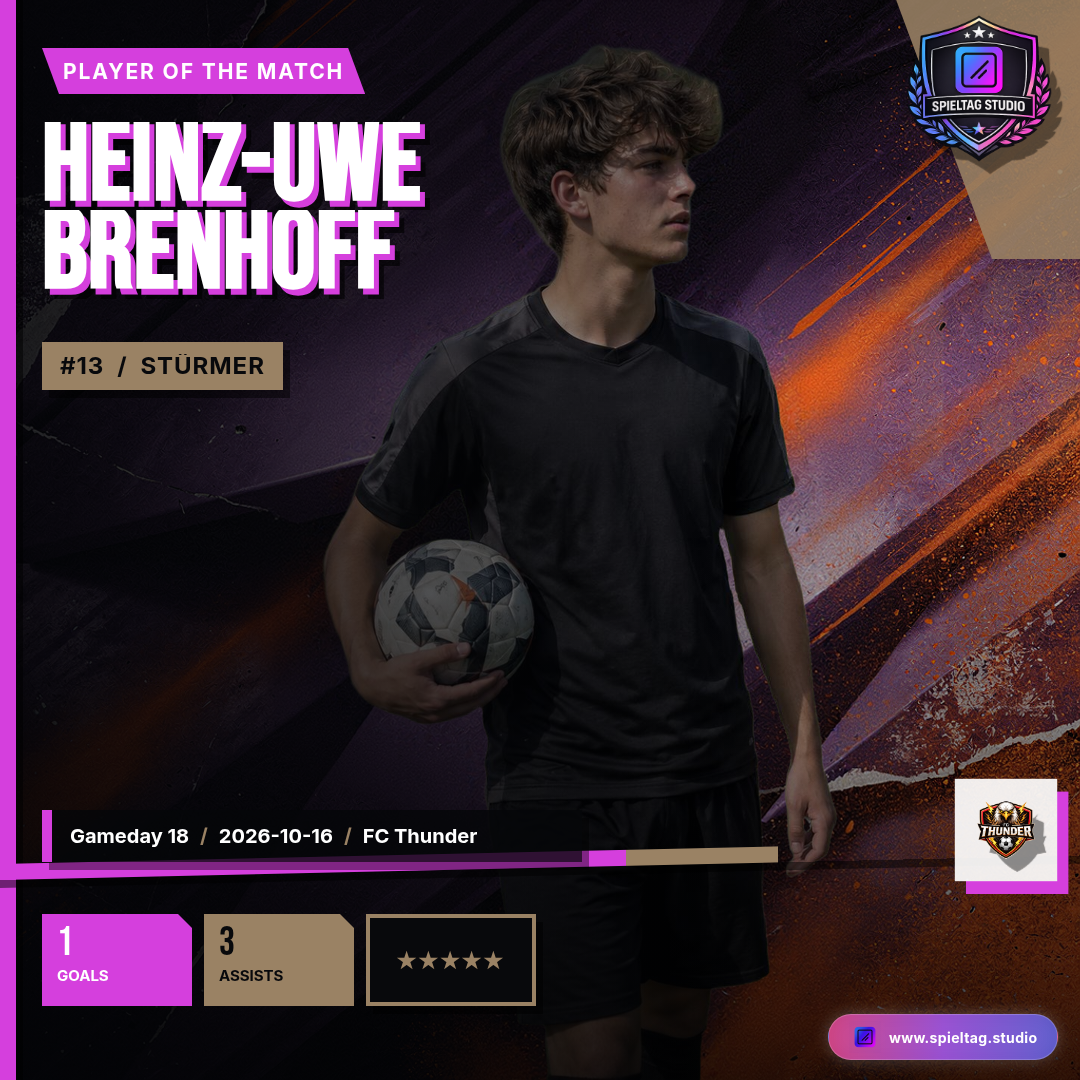
How you can tell the four belong together: the background carries the same lighting and the same colour fields, the typography and frame elements of the direction are identical, and the club crest sits in a dependable place in every graphic. Only the content changes – from the head-to-head to the formation to the final score and the player's name.
What of your club goes into the look
To keep expectations straight, this is exactly what Club Style uses today:
- Your club colours. The primary and secondary colour from your club profile shape the design world. Depending on the direction they play a different role – as lighting, as large shapes or as motion.
- One direction. A Club Style Set holds up to four directions: Cinematic, Impact, Velocity and Fusion. On the Free plan you create Impact; from Pro upwards all four.
- Your plan. Club Style is available for six graphic types: Matchday, Lineup, Result, Man of the Match, Player Intro and Match overview. Which of them you can create depends on your plan: Matchday from Free; Result, Man of the Match, Player Intro and Match overview from Pro; Lineup from Premium.
- Your crest, your data, your photos. They are not "generated into" the background but placed cleanly on top each time a graphic is created. That is why crest and text always stay sharp and legible, and why the opponent or the score can change every week.
Creating a Set takes about one to two minutes. After that the look is stored and reused every week – you do not create it again. If you would like a different take, the paid plans let you regenerate a direction and compare the new version with the current one before deciding. Everything you have already exported stays as it is.
How it works, step by step
- Complete your club profile. Upload the crest and set the two club colours. Club Style builds on both.
- Create your Club Style. In the club profile you will find the "Club Style" card. Create your first Set there and choose the direction. After one to two minutes your look is ready.
- Open a graphic type. Via Create choose Matchday, Lineup, Result, Man of the Match, Player Intro or Match overview – as before.
- Choose "My Club Style". In the editor's design selection your own Club Style sits next to the Templates. Direction and format (1:1, 4:5 or 9:16) can be switched here.
- Enter the data. Opponent, kick-off and matchday come from your schedule; lineup and scorers you enter as usual. For Matchday, Result and Man of the Match you can add a player photo – Spieltag.Studio cuts it out and places it into your look when the graphic is created.
- Create the graphic. Check the preview, click Create Graphic, share. The remaining posts of the week follow the same path – in the same look.
💡 Tip: Under Graphic defaults you can set Club Style as the starting design for new Matchday, Lineup and Result graphics. Every new graphic then starts in your club look straight away.
What Club Style is not
Club Style is not a free-form design editor. You do not move layers or build layouts – the arrangement of each graphic type is fixed so the result looks reliably good. And Club Style does not post anything on its own: match data, lineup, result and Man of the Match are still entered by you. The difference is that you no longer have to think about the look every week.
Why a consistent look helps
For fans your profile becomes recognisable at a glance – even when scrolling quickly past many other posts. For the volunteers who make your posts, the debate about templates and colours disappears: whoever creates the graphic creates it in the club look. And sponsors see their logo in an appearance that belongs together instead of on changing backgrounds. Nobody can promise you more reach for that – but an appearance that looks like your club.
👉 Set up your club look
Register for free, add your crest and colours and create your first Club Style Set. The fixture announcement for the next match is then a matter of minutes – and lineup, result and Man of the Match follow in the same look.
Register for free
What to read next
Discover all blog articles
Guides and examples for Matchday, Lineup, Result and the other graphic types. 👉 View all articles
Discover all features of Spieltag.Studio
An overview of everything you can create for your club communication. 👉 View all features